One dashboard.
Everyone in sync.
Run every wait from one live workspace. Customers scan a QR ticket, step away, and follow their place in real time—without pagers, displays, or another crowded counter.
NOTICAL
Live operator workspace
Maria G.
Table 4
John D.
Counter 2
Anna S.
FEATURES
Everything your queue needs
QR Ticket Handoff
Every entry gets a scannable QR code and short code. Customers know exactly where they stand.
Live Kanban Board
Drag, drop, and advance customers in real time. Every screen on your team updates instantly via WebSocket.
Any Business, Any Flow
Restaurant, clinic, salon, or repair shop — pick a workflow template and your labels update instantly.
YOUR WORKFLOW
One platform. Your language.
Notical adapts its steps, labels, and customer messages to the way your organization already works.
Hospitality
Order → Ready
Healthcare
Waiting → Your turn
Public services
Ticket → Counter
Logistics
Shipment → Dock
Retail
Customer → Served
Your operation
Labels that fit
HOW IT WORKS
Up and running in seconds
Create a ticket
Add a customer name or note. A QR code and short code are generated instantly.
Move them through
Advance customers across your board with one click. Your whole team sees it live.
Customers stay informed
They open the secure link on their phone and watch their status update live—no account, confusion, or crowd at the counter.
CUSTOMER EXPERIENCE
Your customers always know where they stand
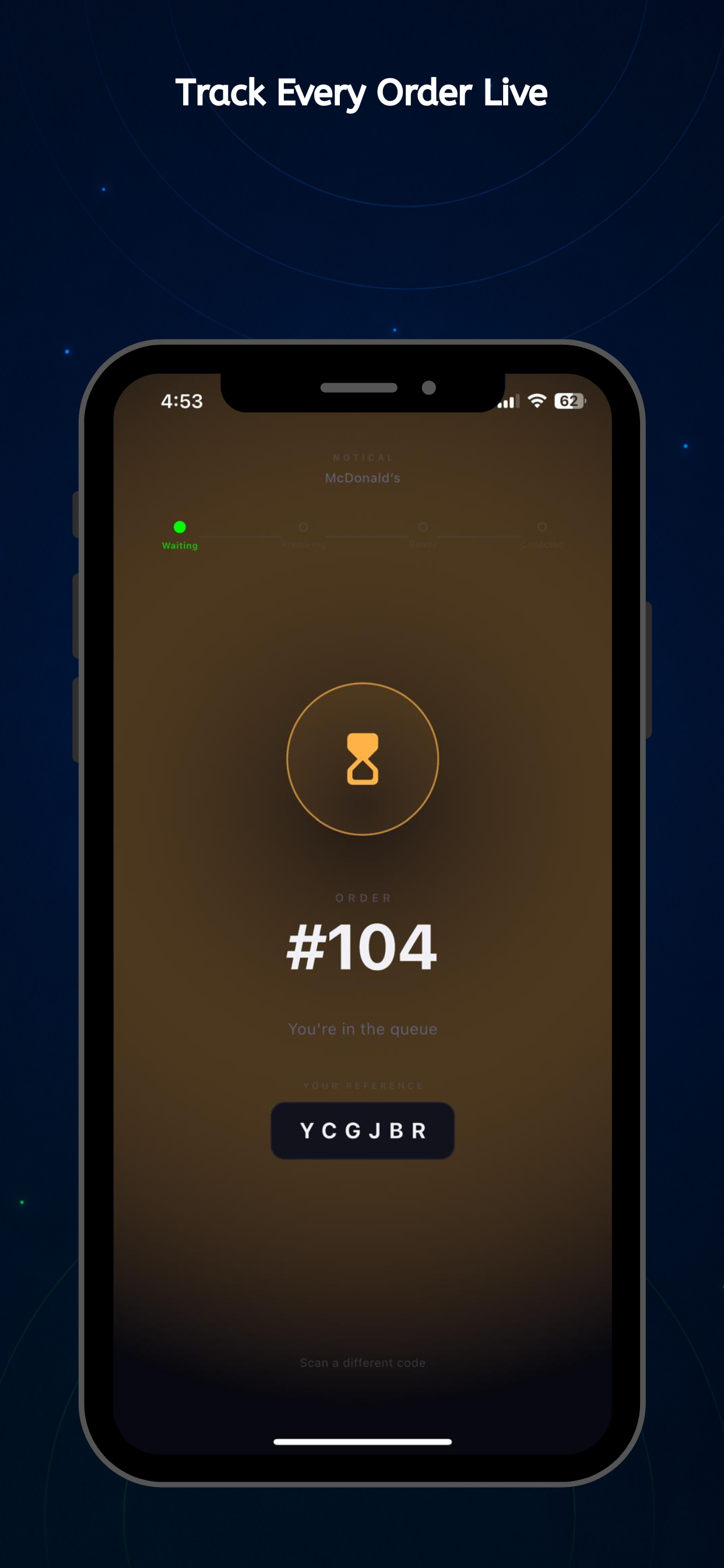
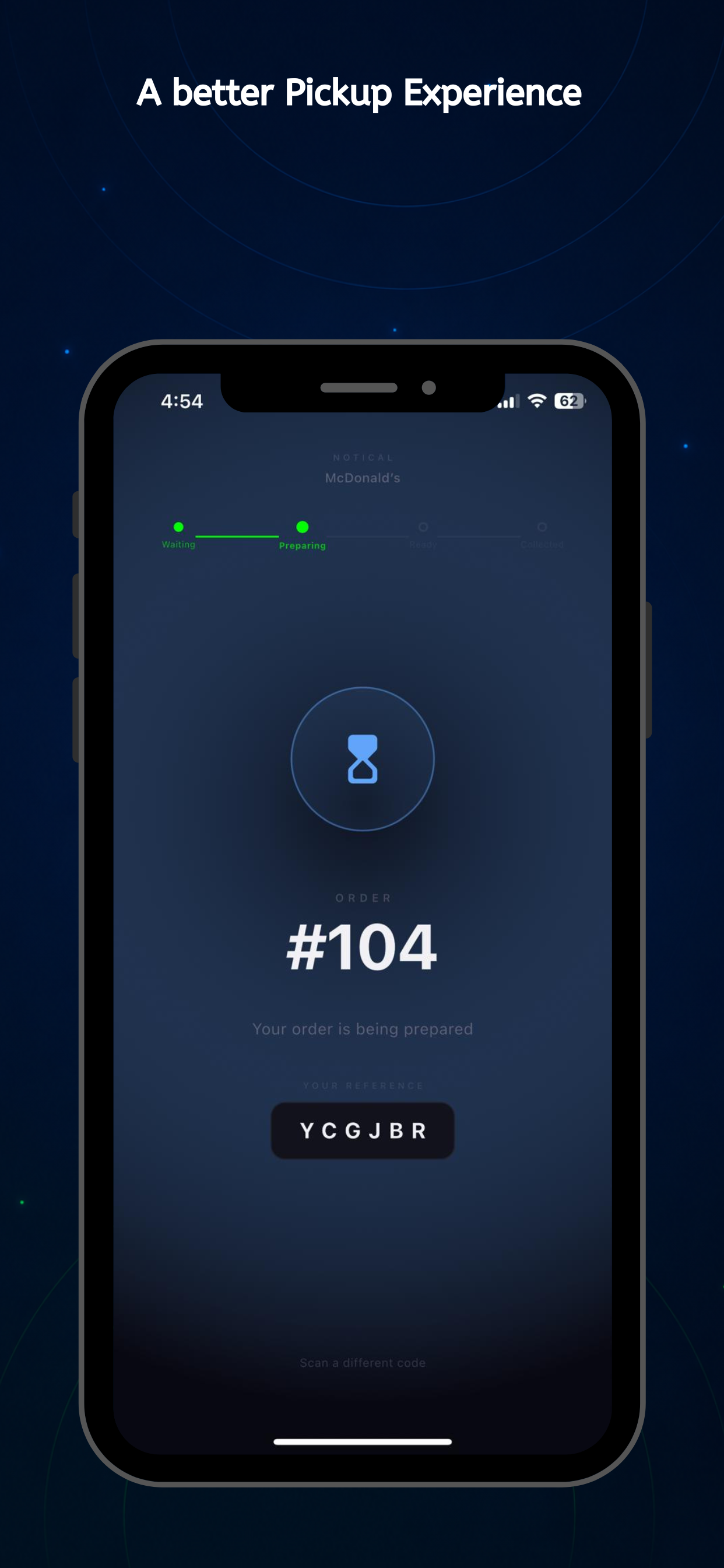
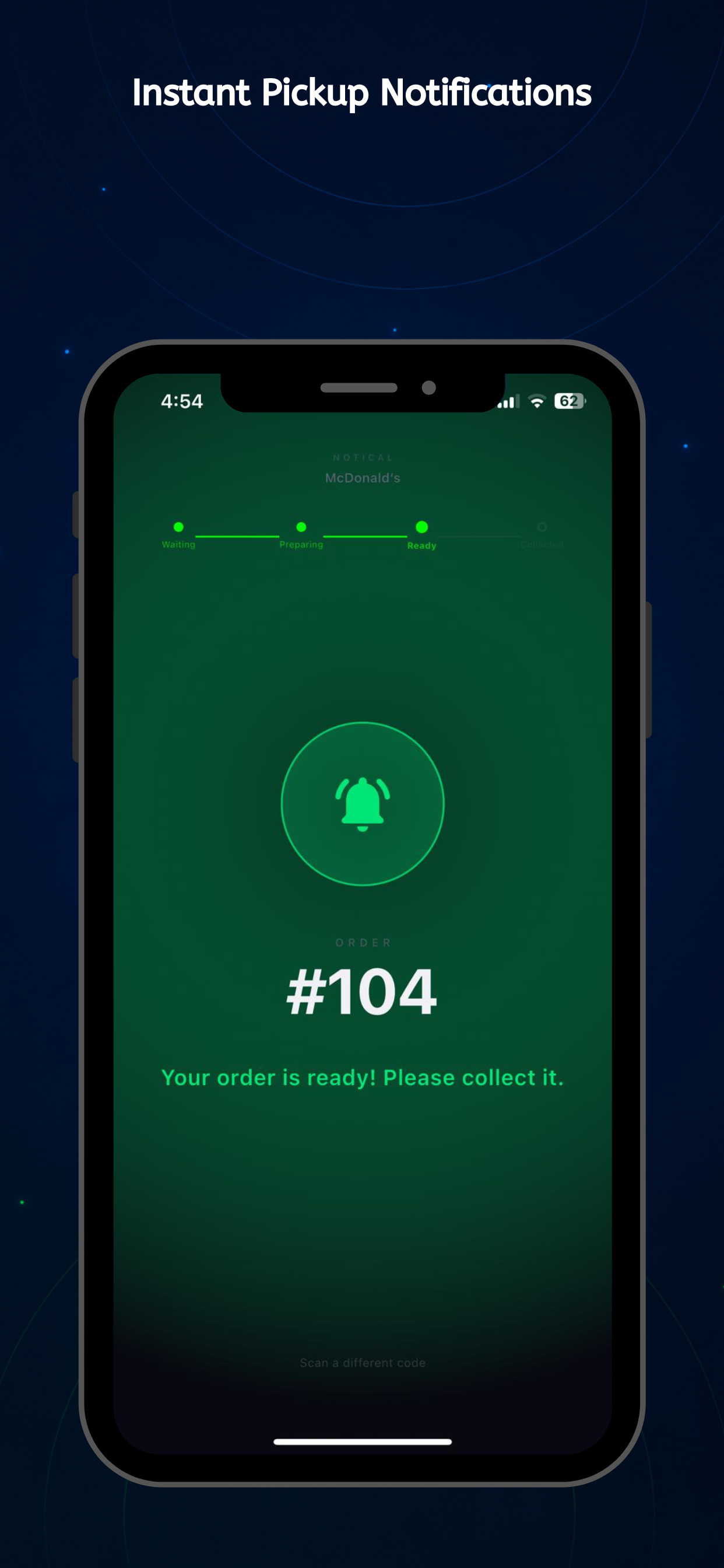
A secure browser link, iOS App Clip, or the Notical app keeps every customer connected—without forcing an account or download.
Get a ticket
Staff adds them to the queue and hands over a QR code or 6-character short code.
Scan or type the code
Open the QR link instantly in a browser or App Clip, or type the short code in the Notical app.
Watch it live
Status updates in real time — Waiting, In Progress, Called. They'll know the exact moment it's their turn.

FAQ
The details, without the fine print.
A few quick answers about how Notical works for your team and the people you serve.
01Do customers need to download an app?
02How do customers receive their ticket?
03Can my team see updates in real time?
04Can I customize the workflow for my business?
05How quickly can I get started?
Ready to calm the chaos?
Get started in under a minute. No credit card required.
Create your free account